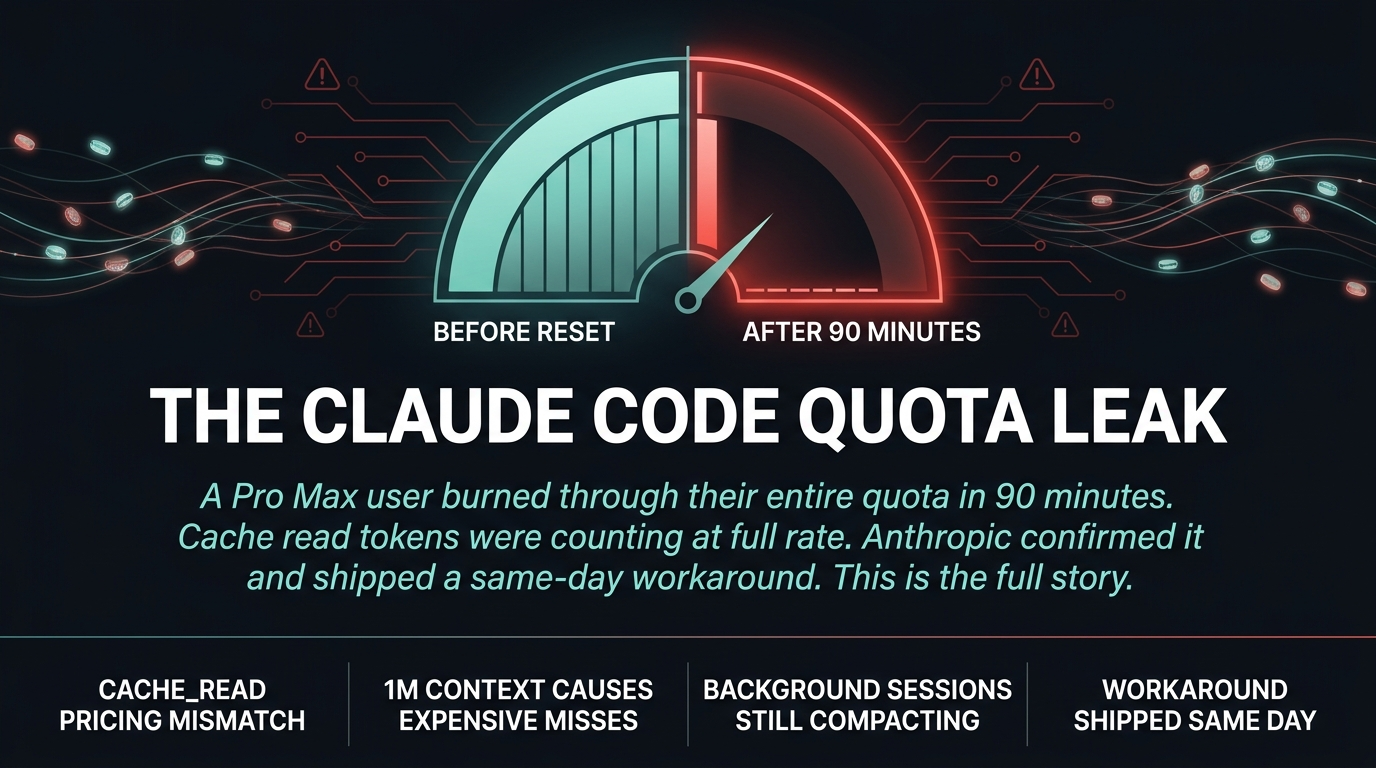
Power users of Claude Code Pro Max are reporting a strange problem. They burn through their entire quota in ninety minutes, after what should be moderate use. One user ran the numbers and found something troubling.
The user collected data from their session logs. During heavy development over five hours, they consumed about 24 million effective tokens per hour. During a subsequent session of moderate use lasting ninety minutes, the rate jumped to 70 million tokens per hour. Same plan. Same model. The only difference was timing and session state.
The issue centers on cache_read tokens. Anthropic advertises prompt caching as a way to reduce costs, with cache_read tokens priced at one-tenth the rate of regular input tokens. But the user found that cache_read tokens appear to be counting at full rate against the quota limit. If that math is right, the pricing model does not match the actual billing.
The HN thread hit 508 points with 473 comments in ten hours. A Claude Code team member responded and confirmed the investigation. This is not a theoretical problem. This is real money disappearing from real accounts.
Why Cache Misses Are Costing You More Than Expected
The Claude Code team member, Boris, explained the core issue in the thread. Prompt cache misses when using the one million token context window are expensive. If you step away from your computer for over an hour and return to a stale session, it often results in a full cache miss.
That means every API call sends approximately 100,000 to 960,000 tokens at full rate. With 200 or more calls per hour during normal tool-heavy usage, the quota vanishes fast.
The one million token window is the culprit. The larger the context, the more likely a stale session produces a cache miss on every call. You are not being charged for the work you are doing. You are being charged for the context window you left open.
Your Background Sessions Are Burning Money Right Now
Here is the part nobody warned you about.
Sessions left running in other terminal tabs continue making API calls. Compacts. Retrospectives. Hook processing. All of it hits the same shared quota pool.
One user analyzed their session logs and found that a background “token-analysis” session made 296 calls and consumed 57.6 million cache reads, entirely in the background. A “career-ops” session ran 173 calls and consumed 23.1 million cache reads without the user ever looking at it.
Those sessions were open in unseen terminals. They ran continuously and consumed from the same quota bucket as the session you are actively using.
This is not a bug. It is how Claude Code works by design. Persistent agents keep working. That persistence has a hidden cost that the documentation does not make obvious.
What Anthropic Is Doing About It
Boris from the Claude Code team showed up in the thread, acknowledged the problem, ruled out several hypotheses including adaptive thinking regressions and model regressions, and shipped a same-day workaround.
The fix is setting an environment variable before you run Claude Code. Set CLAUDE_CODE_AUTO_COMPACT_WINDOW to 400000 instead of the default one million. This reduces the context window from one million to 400,000 tokens, which dramatically cuts cache miss costs on stale sessions.
The team is also considering making 400,000 the default with an optional upgrade to one million for users who need the larger window.
This is what transparency looks like when a product has a pricing problem. The team responded quickly and gave users a way to reduce their exposure immediately.
What You Should Do Now
If you are running Claude Code Pro Max and burning quota faster than expected, here is what to check.
First, close any background terminal tabs running Claude Code sessions you are not actively using. Every open session is consuming from your bucket.
Second, set CLAUDE_CODE_AUTO_COMPACT_WINDOW=400000 before you start a session. This is not ideal for workflows that need one million token context, but it will stop the bleeding.
Third, monitor your session logs if you know how to read them. The ~/.claude/projects session JSONL files contain the data that shows exactly where your tokens are going. If you see cache_read tokens dominating your input, you are probably hitting the cache miss problem.
Anthropic is investigating. The team acknowledged the structural mismatch between how the product is sold and how it is actually metered. Until they fix it, these workarounds are the best option available.
The pricing promise is real. Cache reads should cost one-tenth the rate of regular tokens. If they are counting at full rate against your quota, that is not a billing error you can ignore. It is a problem that deserves a straight answer and a real fix.
Sources:
– GitHub Issue #45756
– Hacker News Discussion
– Workaround